If your business serves customers in a specific city or region, there is one free tool that influences your visibility on Google more than almost anything else: your Google Business Profile. Whether someone searches your business name directly or types “near me” after a service, this profile is often the very first impression they get — before they ever visit your website. This guide explains exactly what a Google Business Profile is, why it matters so much for local visibility, and how to set one up and optimize it properly.
What Is a Google Business Profile?
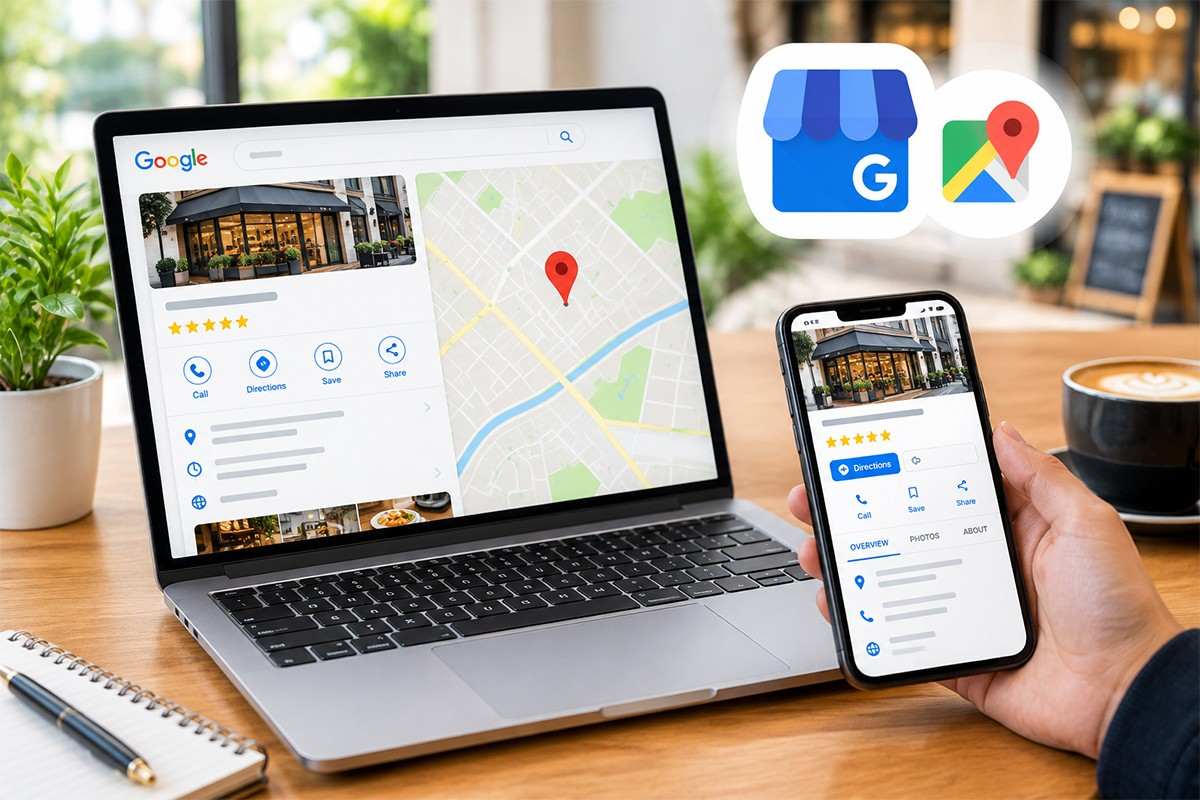
A Google Business Profile (formerly known as Google My Business) is a free listing that appears in Google Search and Google Maps whenever someone searches for your business by name or for the type of service you offer nearby. It displays your business name, address, phone number, hours, photos, reviews, and posts — all without the searcher needing to click through to your website at all. It is essentially your business’s storefront inside Google itself.
Why Does a Google Business Profile Matter So Much?
It controls the Local Map Pack
When someone searches a local term like “digital marketing company in Amritsar,” Google displays a “Map Pack” of three businesses above the regular organic results, pulled directly from Google Business Profiles. Ranking in this Map Pack often generates more clicks and calls than ranking in position one of standard organic search results, simply because of its prominent placement.
It builds instant trust
Star ratings, review count, and recent customer photos appear directly in the search results, letting potential customers judge your credibility before they even visit your site. A profile with dozens of recent, positive reviews signals trustworthiness that a website alone cannot replicate as quickly.
It drives calls, directions, and website visits directly
A complete Google Business Profile includes one-tap buttons for calling, getting directions, or visiting your website — removing friction between a search and an actual customer action. Many local customers never even click through to a website; they call or navigate straight from the profile itself.
It is a major local SEO ranking factor
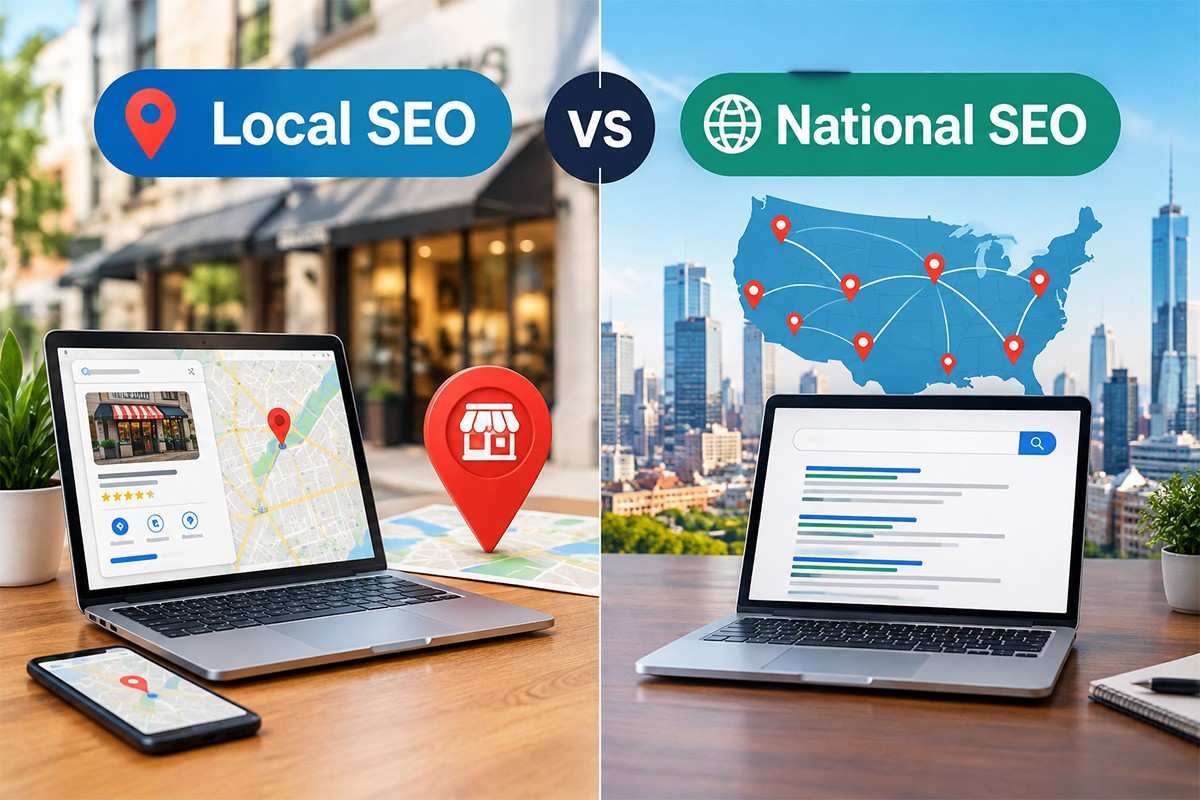
Google’s local algorithm weighs your Business Profile completeness, category accuracy, review signals, and posting activity heavily when deciding which businesses to show for local searches. As covered in our guide on local SEO vs national SEO, this profile is one of the single biggest local ranking factors available to any business.
How to Set Up a Google Business Profile
- Visit business.google.com and sign in with your business Google account, then search for or create your business listing.
- Choose the most accurate business category. This single setting has an outsized effect on which searches you appear for.
- Enter complete, accurate NAP data (Name, Address, Phone) exactly as it appears on your website and other directories.
- Verify your business through the postcard, phone, or email verification method Google offers for your listing type.
- Add photos, business hours, and a detailed business description once verified, to complete the profile fully.
How to Optimize Your Google Business Profile for Better Rankings
- Keep information 100% accurate and consistent with your website and other online directories — inconsistent NAP data confuses Google and can suppress rankings.
- Upload fresh photos regularly, including your storefront, team, and completed work, since active profiles tend to outperform stale ones.
- Actively request and respond to reviews. Both review volume and how promptly you respond factor into local ranking signals.
- Use Google Posts to share updates, offers, or new services directly on your profile, keeping it active in Google’s eyes.
- Fill out the Q&A section proactively by adding common customer questions and answers yourself before customers ask them.
- Select secondary categories accurately to capture additional relevant searches beyond your primary business category.
Common Google Business Profile Mistakes That Hurt Rankings
- Inconsistent NAP data across your website, directories, and social profiles, which confuses Google’s trust signals.
- Choosing the wrong primary category, which can prevent your business from appearing for its most important searches.
- Ignoring or deleting negative reviews instead of responding professionally, which can damage trust more than the review itself.
- Leaving the profile incomplete — missing hours, no photos, or an empty business description all reduce both trust and ranking potential.
- Never posting updates, leaving the profile looking inactive compared to competitors who post regularly.
Google Business Profile and Your Website Work Together
A strong Google Business Profile does not replace the need for a well-optimized website — the two work together. Your profile earns the first click, call, or visit, while your website needs to be fast, informative, and conversion-ready once that customer arrives. Combining a fully optimized Google Business Profile with consistent content writing and technical SEO gives local businesses the strongest possible visibility across every stage of a customer’s search.
 Getting Professional Help With Local Visibility
Setting up a profile is simple, but optimizing it to consistently win the Map Pack against competitors takes ongoing attention to reviews, posts, and category management. An experienced digital marketing company in Amritsar like Duggal Infotech can manage this alongside your broader SEO strategy, ensuring your Google Business Profile and website work together to maximize local visibility.
Frequently Asked Questions
What is a Google Business Profile?
A Google Business Profile is a free listing that appears in Google Search and Google Maps when people search for your business by name or for services nearby, displaying your name, address, phone number, hours, photos, and reviews directly in the search results.
Is Google Business Profile the same as Google My Business?
Yes. Google renamed Google My Business to Google Business Profile in 2021, but the tool serves the same purpose of managing how your business appears on Google Search and Maps.
Is Google Business Profile free to use?
Yes, creating and managing a Google Business Profile is completely free for any business, though many businesses choose to invest in professional optimization and management to maximize its ranking impact.
How long does it take to verify a Google Business Profile?
Verification methods vary, but postcard verification (the most common method) typically takes 5-14 days to arrive, while phone or email verification, when available, can be completed within minutes.
Why is my Google Business Profile not showing up in search results?
Common causes include an unverified listing, inconsistent NAP data across the web, an inaccurate business category, or a suspended profile due to a guideline violation — checking your profile status in the dashboard usually reveals the specific issue.
How important are reviews for a Google Business Profile?
Reviews are one of the most influential local ranking factors, affecting both how trustworthy your business appears to customers and how favorably Google ranks your profile in local search results.
Can I have more than one Google Business Profile for one business?
Generally no, unless you operate genuinely separate physical locations. Creating duplicate profiles for the same location violates Google’s guidelines and can result in suspension of all related listings.
How often should I post updates on my Google Business Profile?
Posting at least once every 1-2 weeks helps keep your profile active and signals to Google that your business is currently operating and engaged, which can positively influence local rankings.
Does a Google Business Profile help with website traffic?
Yes. A complete profile includes a direct link to your website along with call and direction buttons, often driving qualified local traffic and phone calls directly from the search results page.
Should every business have a Google Business Profile?
Any business that serves customers in person, locally, or within a specific service area should have one, since it is one of the most effective free tools available for local visibility and customer trust.